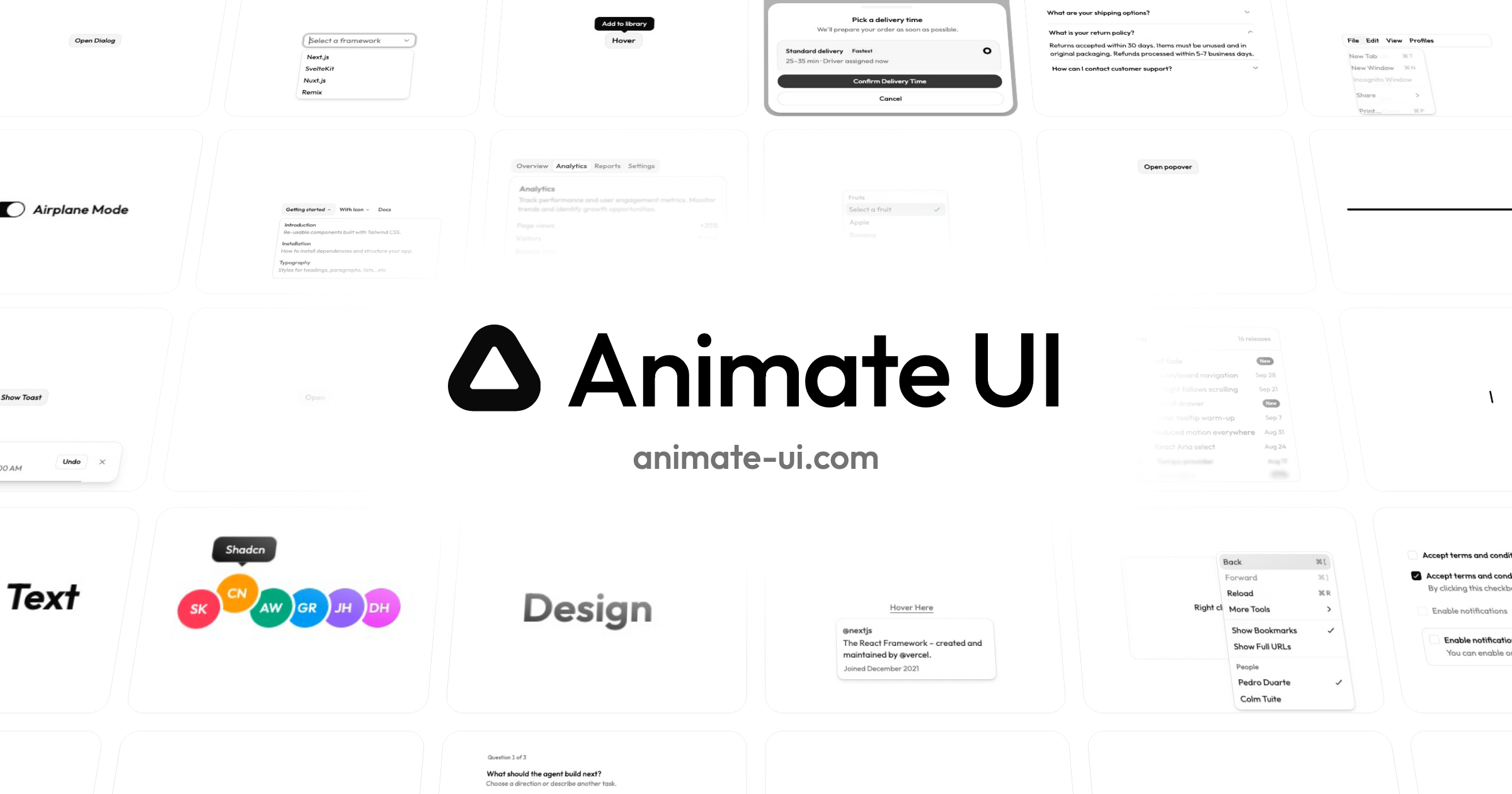
This is a focused editorial reading of Animate UI’s public homepage and documentation, reviewed on October 26, 2026. It is not a user study, a performance benchmark, or an endorsement by its authors.
The decision to study
The homepage pairs a concise promise with component examples. Visitors can move from an explanation of animated primitives to controls that demonstrate those interactions. The examples make motion something to inspect rather than only describe.
Why the structure helps
A library visitor needs to know what it works with and what to do next. The site names supported primitive libraries, gives an installation path, and links to documentation. Examples and implementation information sit close enough to support that decision.
The trade-off
A demonstration can become a distraction if every component competes for attention. Separate interactive examples from primary navigation, preserve readable resting states, and avoid making people wait through motion to reach documentation.
The visual design can suggest responsiveness; it cannot prove runtime performance or accessibility. Those require testing the actual components in the intended application.
Apply the lesson
Choose one interaction that expresses your product’s mechanism. Give it a useful default state, a clear action, and an explanation of what changed. Link the demo to a practical implementation guide. Do not copy the surrounding brand to use the lesson.